
See the color
on their own eyes.
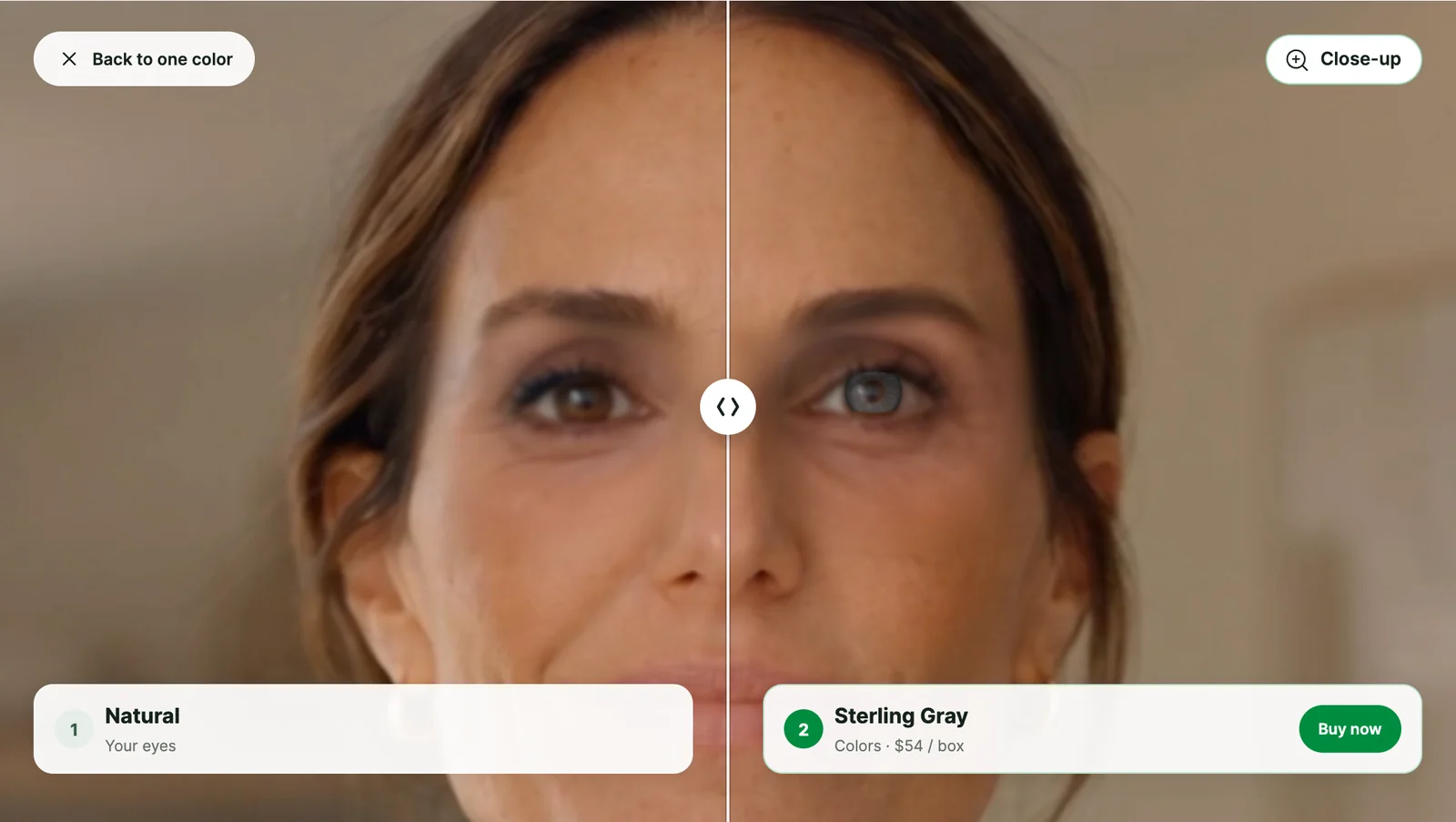
Colored contact lens try-on, live in the browser. Shoppers see each lens on their own eyes, lit like the room they’re in, and compare it with their natural eyes before they buy.
Lifelike color
Every color,
on their own eyes.
Each lens is painted onto the shopper’s irises live, lit by the room around them and following every blink and head turn. Opaque colors, subtle enhancers and limbal rings each look the way they would on the eye.
Shoppers swipe through colors on their phone, zoom in to a close-up of their eyes, and compare their natural eyes with a lens, or two colors side by side.
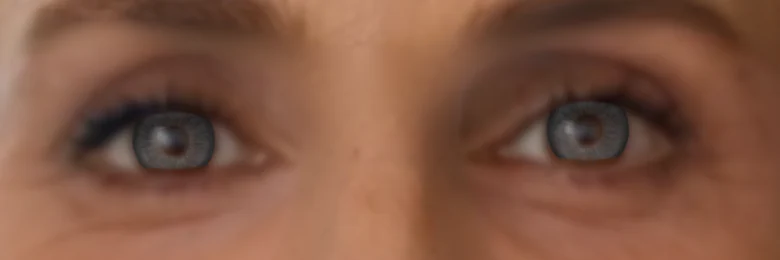 Sterling Gray Opaque color
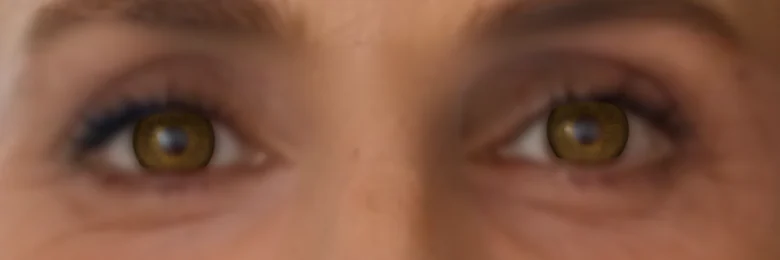 Pure Hazel Opaque color
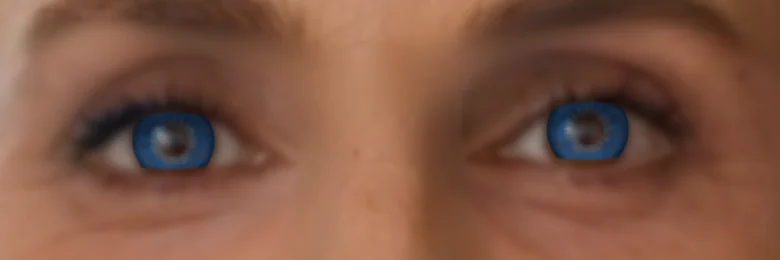 Brilliant Blue Opaque color
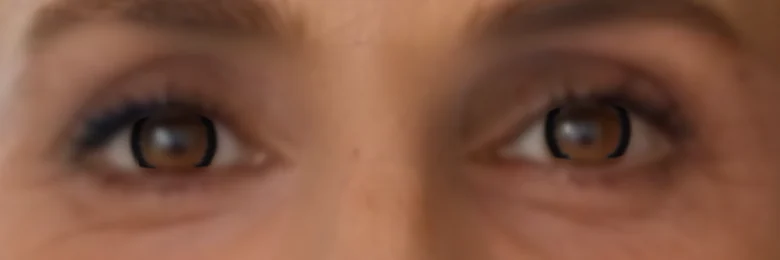 Midnight Ring Limbal ring
Personal advice
Shades that
suit them.
Not every lens shows on every eye. Enhancers tint the natural iris, so they barely show on dark eyes. The try-on reads each shopper’s natural eye color and marks lens types Best for you or Subtle on you.
When a shopper with dark eyes tries an enhancer, the try-on offers a lens that will show, one tap away.
From your catalog
Your lens photos.
Ready to try on.
Each color can be digitized from your own product photo of the lens. The try-on finds the printed pattern, drops the clear rim and the backdrop, and lays the print over the shopper’s iris.
There’s nothing to design and no new photography: add a color by adding its product photo. A color without a photo can be described by a few color values instead.
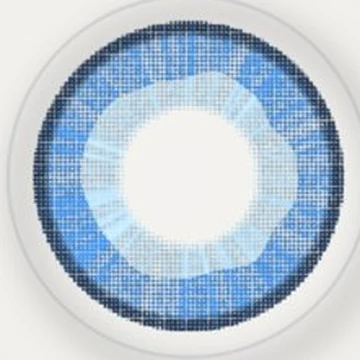 01 / Your lens photo
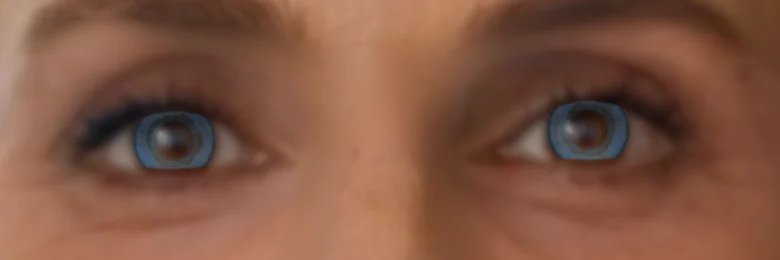 02 / On the shopper’s eyes
Frame removal
Keep their glasses on.
Shoppers who need glasses to see the screen can keep them on. Frame removal clears them from view, so the lens shows on bare eyes. Every shopper on this page is wearing glasses.
See frame removal in EyeSize VTOBuilt for your site
Simple to add.
Private by design.
In the browser
Shoppers open the try-on from your product pages on phone or desktop, with no app to download.
Simple to add
Add a script to your site and a Try on button to your product pages. Add to cart hands off to the cart you already have.
Private by design
Everything runs on the shopper’s device. No video or images leave it, and the camera starts only after they agree.
One try-on
Glasses and contacts,
in one experience.
EyeSize VTO for Contacts runs on the same script as EyeSize VTO. Launch glasses or contacts from each product page, and help every shopper find a look they love.
Let’s talk about your lensesContact us
Ready to show every lens color on your shoppers’ own eyes? Let’s talk about EyeSize VTO for Contacts.
Want to see Veero in action? Use this form to email contactus@veero.ai.